
How it works
PokeeBee turns the dates already sitting in your phone into reminders you can act on — and then helps with the part that is actually hard, which is deciding what to give.
Step 1
Connect what you already have
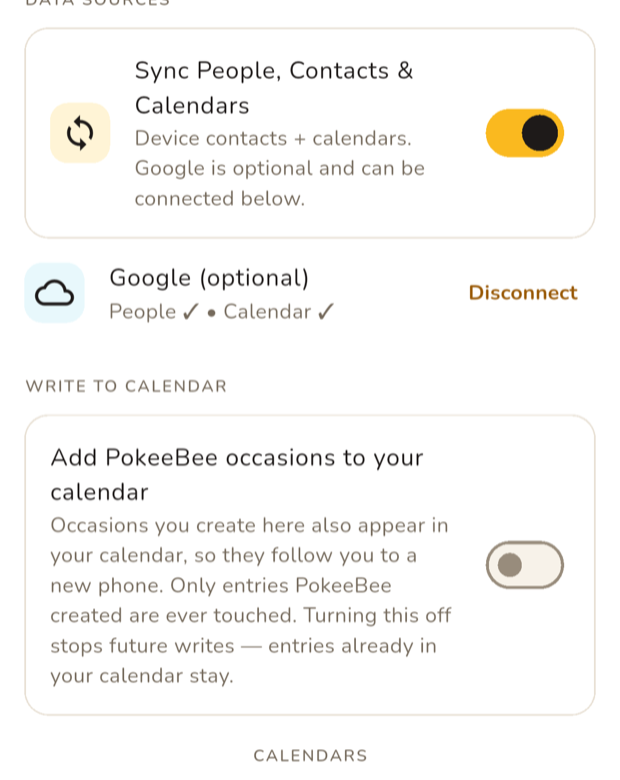
Sign in with Apple or Google, and PokeeBee reads the contacts and calendars on your phone. That is enough on its own — there is no list of birthdays to type in.
Google is optional. Connecting it lets PokeeBee see the same data from your Google account, and all three permissions it asks for are read-only. You can disconnect whenever you like.
Step 2
It works out who has something coming up
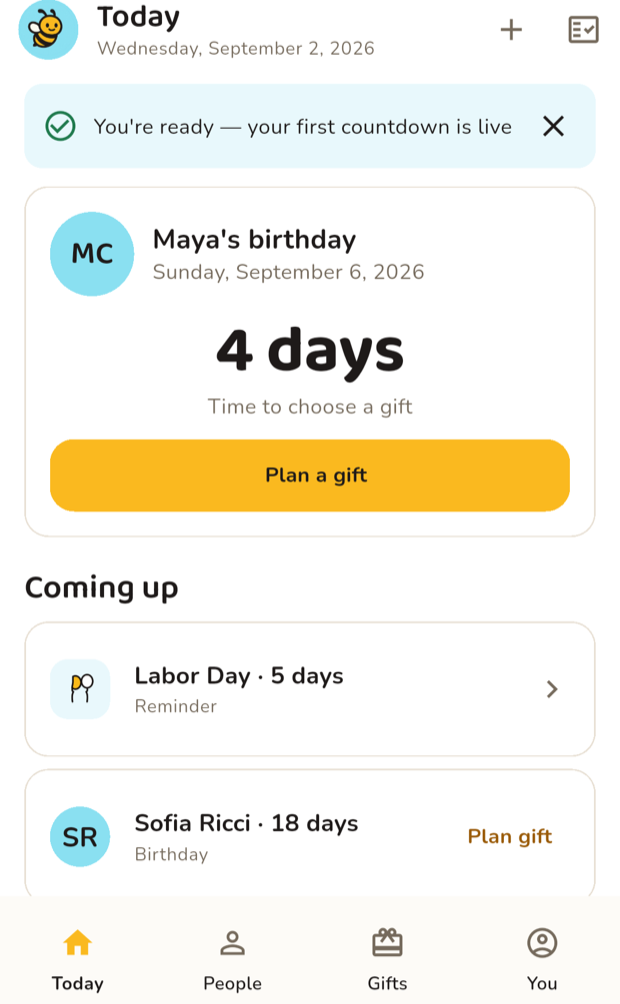
Birthdays on your contacts, and events from the calendars you chose, become a single countdown. The nearest one leads, the rest queue behind it.
PokeeBee guesses which events are occasions worth marking and which are noise. When it is unsure it asks rather than deciding for you, so a dentist appointment never turns into a gift reminder.
Step 3
You get told in time to act
Reminders arrive on a ladder ahead of the date — a month out, a fortnight, a few days, the day before — and you choose which rungs you want.
That timing is the whole point. A birthday you hear about at 8am is a birthday you cannot buy for. PokeeBee aims to tell you while there is still something you can do.
Step 4
And it helps with the hard part
Knowing the date is easy. Deciding what to give is not. Tell PokeeBee what someone likes and roughly what you want to spend, and it suggests ideas for that person and that occasion — then keeps the ones you save.
Suggestions come from an AI model, so read them before acting: a suggestion can be unavailable, mispriced, or simply wrong for the person. It is a starting point for your judgment, not a replacement for it.
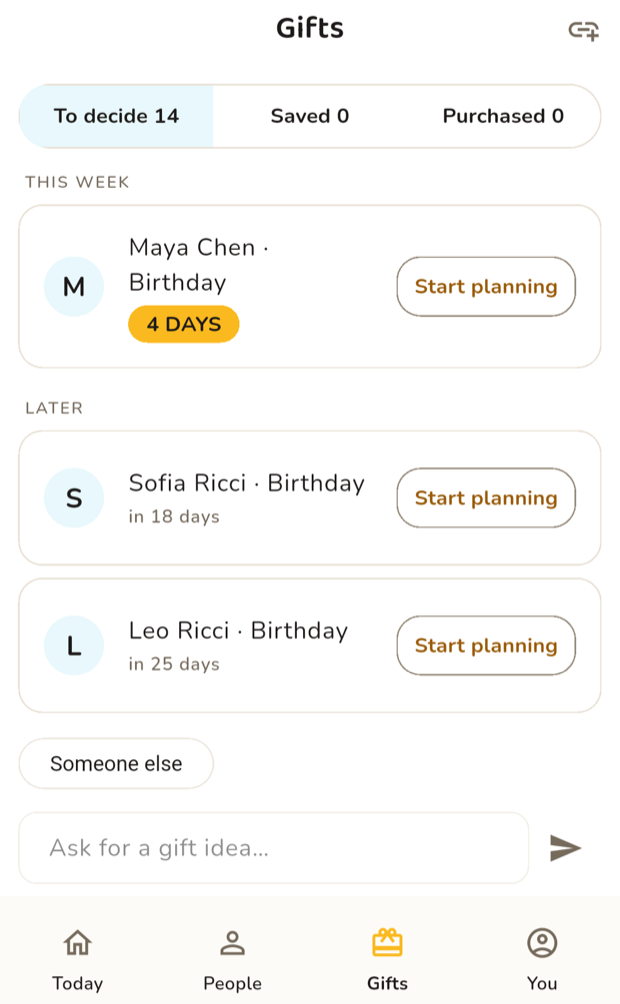
Screenshots are of the app running, with example people. Your own contacts never appear anywhere but on your phone — see the privacy policy and what Google data PokeeBee uses.
What does it cost?
PokeeBee is free while it is in development. If that changes, it will change here first, and the waitlist will hear before anyone else.
Can it write to my calendar?
Only if you turn that on, and only for occasions you created in PokeeBee. It works through your phone's own calendar rather than through Google's API, and it never edits or deletes an event it did not create. The Your Google data page explains that distinction in full.
When can I use it?
Soon — join the waitlist and we will email you at launch. That is the only thing we use your address for.